
10 AI Fashion Model Prompts to Create Stunning Pinterest-Style Images
Explore 10 AI fashion model prompts to create stunning Pinterest-style images, with copy-ready prompts, customization tips, and creative use ideas.
Is Envato Elements worth it for creators, designers, and small businesses? See what you get, who should use it, pros, cons, and honest tips.
Creating content today is not just about having a good idea. You also need visuals, videos, fonts, music, templates, mockups, website assets, thumbnails, and sometimes even presentation designs. That can feel exciting at first, but after a while, it becomes tiring.
This is where platforms like Envato Elements become useful. Instead of searching across ten different websites for one font, one video clip, one social media template, and one background music track, Envato Elements brings many creative assets into one subscription-based library.
But the real question is simple: Is Envato Elements worth it for creators, designers, and small businesses? The honest answer depends on how often you create, what kind of content you make, and whether saving time is more valuable to you than searching for free resources every day.
Envato Elements currently promotes unlimited downloads of more than 27 million creative assets, along with AI tools for video, image, audio, voice, music, and graphics generation. It also highlights commercial licensing for professional and client work, which is one of the biggest reasons creators and businesses consider using it.
By the end of this article, you will understand whether Envato Elements is worth it for your creative work, business content, social media posts, YouTube videos, website projects, or client designs.
Unlike many short promotional reviews, this guide looks at both sides. We will talk about what Envato Elements does well, where free resources may still be enough, and when a paid creative asset library actually makes sense.
Envato Elements is a subscription-based creative asset platform. Instead of buying individual design files, templates, videos, fonts, or music tracks one by one, you pay for access to a large library of digital assets that you can use for different creative projects.
Think of it like a creative toolbox. If you are making a YouTube video, you may need a video intro, background music, sound effects, title animations, and thumbnail graphics. If you are building a website, you may need WordPress themes, icons, fonts, photos, graphics, and presentation templates.
For many creators, the biggest value is not only the number of assets. It is the convenience. You do not have to keep jumping between multiple free websites, worrying about licenses, downloading low-quality files, or wasting hours trying to find something that looks professional.
Key Highlights:
Envato Elements is not for everyone, and that is important to say clearly. If you only create one poster every few months or need one simple image for a personal project, you may not need a paid subscription. Free tools and free asset websites may be enough for casual use.
But if you are a content creator, designer, freelancer, marketer, blogger, YouTuber, or small business owner, the value becomes easier to understand. When you create content every week, small tasks start taking a lot of time. Finding the right font, choosing a video clip, downloading music, or designing social media posts can easily take hours.
In my experience with content planning, one of the biggest hidden problems creators face is not a lack of ideas. It is creative friction. They know what they want to publish, but they get stuck because they need visuals, templates, music, graphics, or design support. Envato Elements helps reduce that friction.
If you create regularly, Envato Elements can feel less like an expense and more like a shortcut. It gives you ready-made creative ingredients so you can spend more time on the message, offer, or story you want to share.
Envato Elements gives access to different types of creative assets. This is one of its strongest advantages because most creators do not need only one type of file. A YouTuber may need audio and video assets. A blogger may need images and graphics. A designer may need fonts, mockups, and templates.
The platform includes categories such as video templates, stock photos, royalty-free music, sound effects, graphics, design templates, fonts, web assets, and more. Envato’s own asset pages mention large libraries, including millions of stock photos, hundreds of thousands of music tracks, and many video templates and sound effects.
Let’s break down the main things you get.
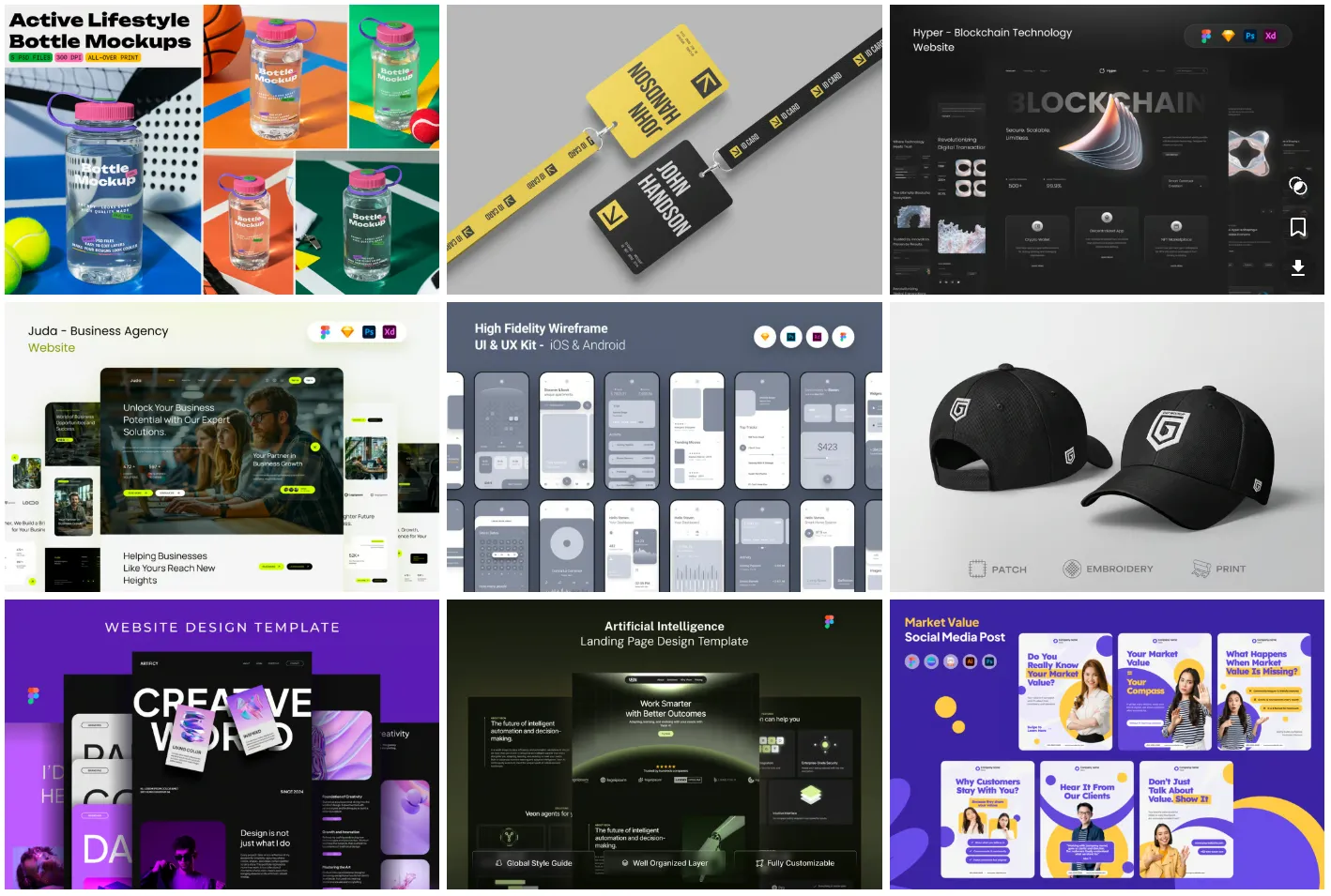
Templates are one of the biggest reasons people use Envato Elements. You can find templates for presentations, social media posts, resumes, brochures, websites, flyers, business cards, and more.
For small businesses, templates are especially useful because they reduce design pressure. Instead of starting from a blank screen, you can customize something that already looks polished and professional.
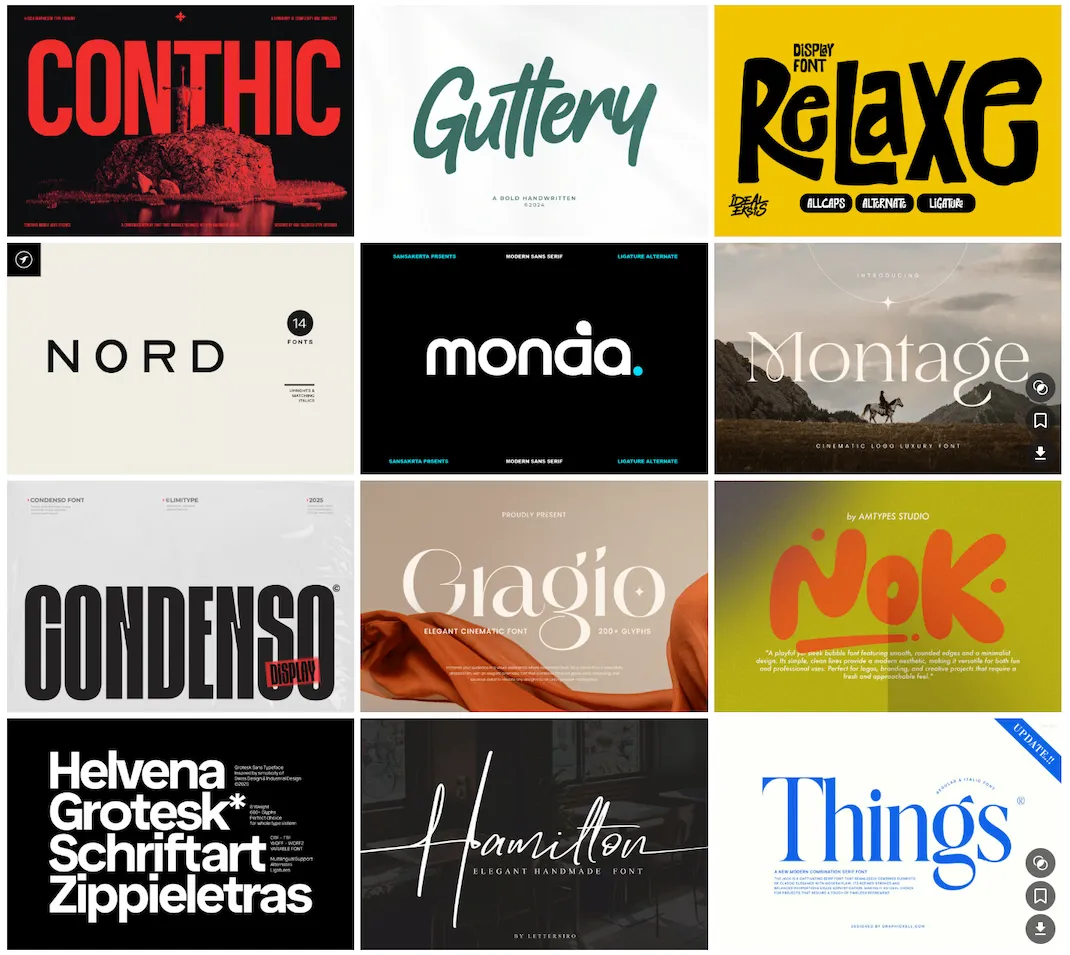
Fonts can completely change the look and feel of a brand. A good font can make a design look premium, modern, playful, elegant, or bold. But finding high-quality fonts from random free websites can be frustrating.
With Envato Elements, creators can explore font collections for branding, social media graphics, websites, posters, packaging, digital products, and client presentations.

Stock videos are useful for YouTube creators, advertisers, editors, course creators, and social media managers. If you are making videos but do not always have your own footage, stock clips can help fill the gaps.
For example, if you are making a video about remote work, AI tools, online business, or productivity, you may need background clips of laptops, offices, cities, phones, or people working. Stock footage helps make your content feel more complete.
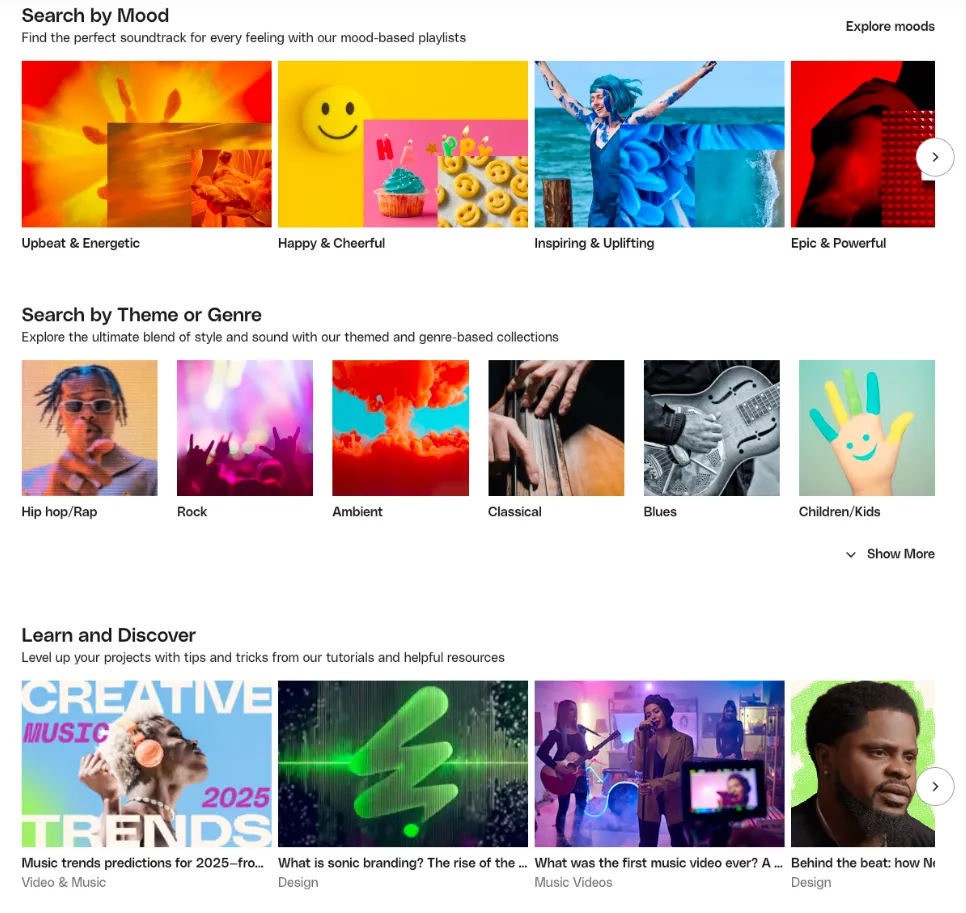
Audio is often ignored by beginners, but it affects how professional your content feels. Background music can make a YouTube video more engaging, while sound effects can improve intros, transitions, reels, product videos, and ads.
Envato Elements includes royalty-free music and sound effects, which can be useful for YouTube videos, podcasts, product promos, social media content, presentations, and short-form videos.
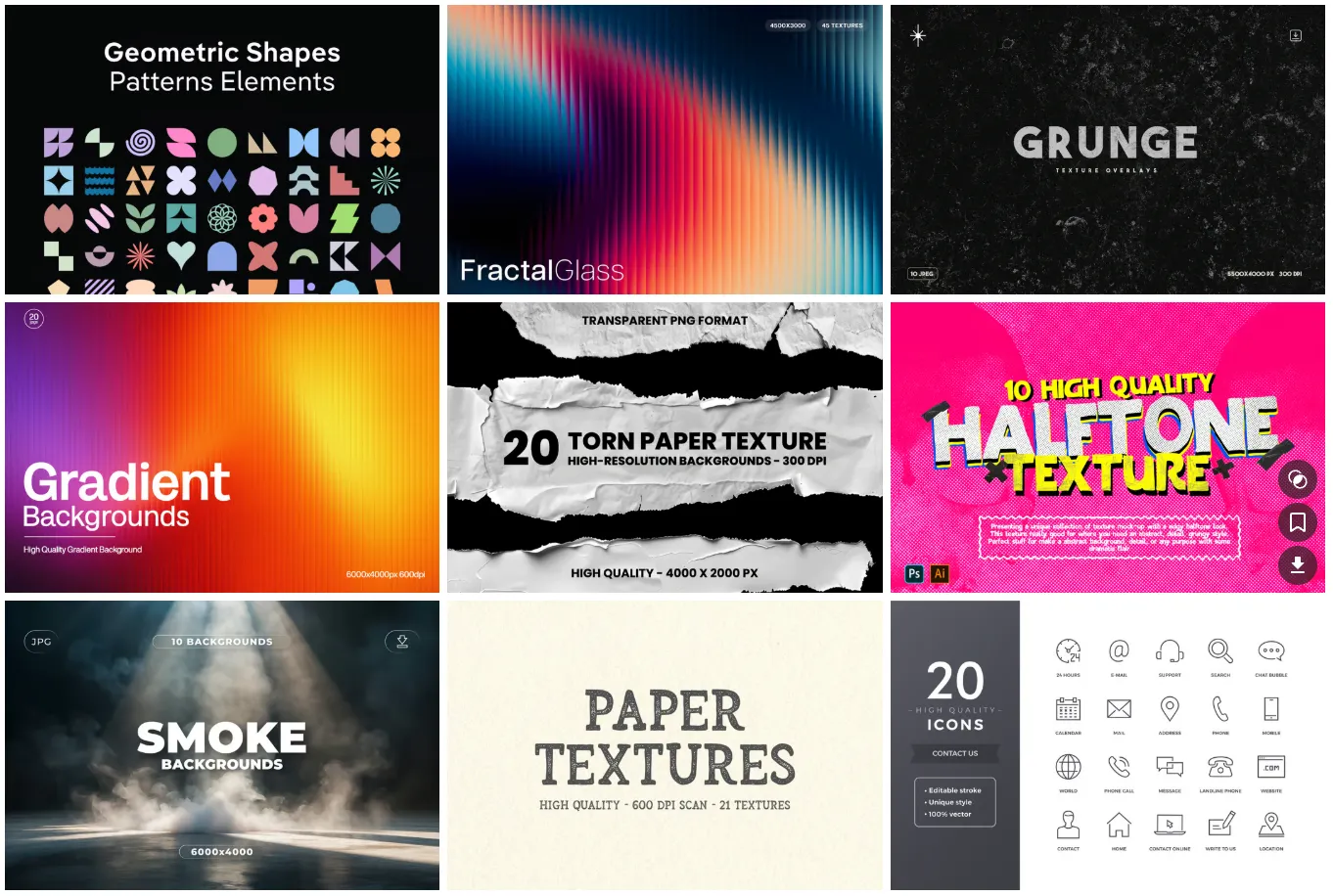
Graphics include icons, illustrations, patterns, backgrounds, textures, mockups, logos, infographics, and visual elements. These assets are useful when you want your content to look more polished without designing every small element from scratch.
A simple example is a Pinterest pin or blog featured image. Instead of using a plain text design, you can add icons, shapes, textures, mockups, or illustrations to make it more clickable and visually appealing.
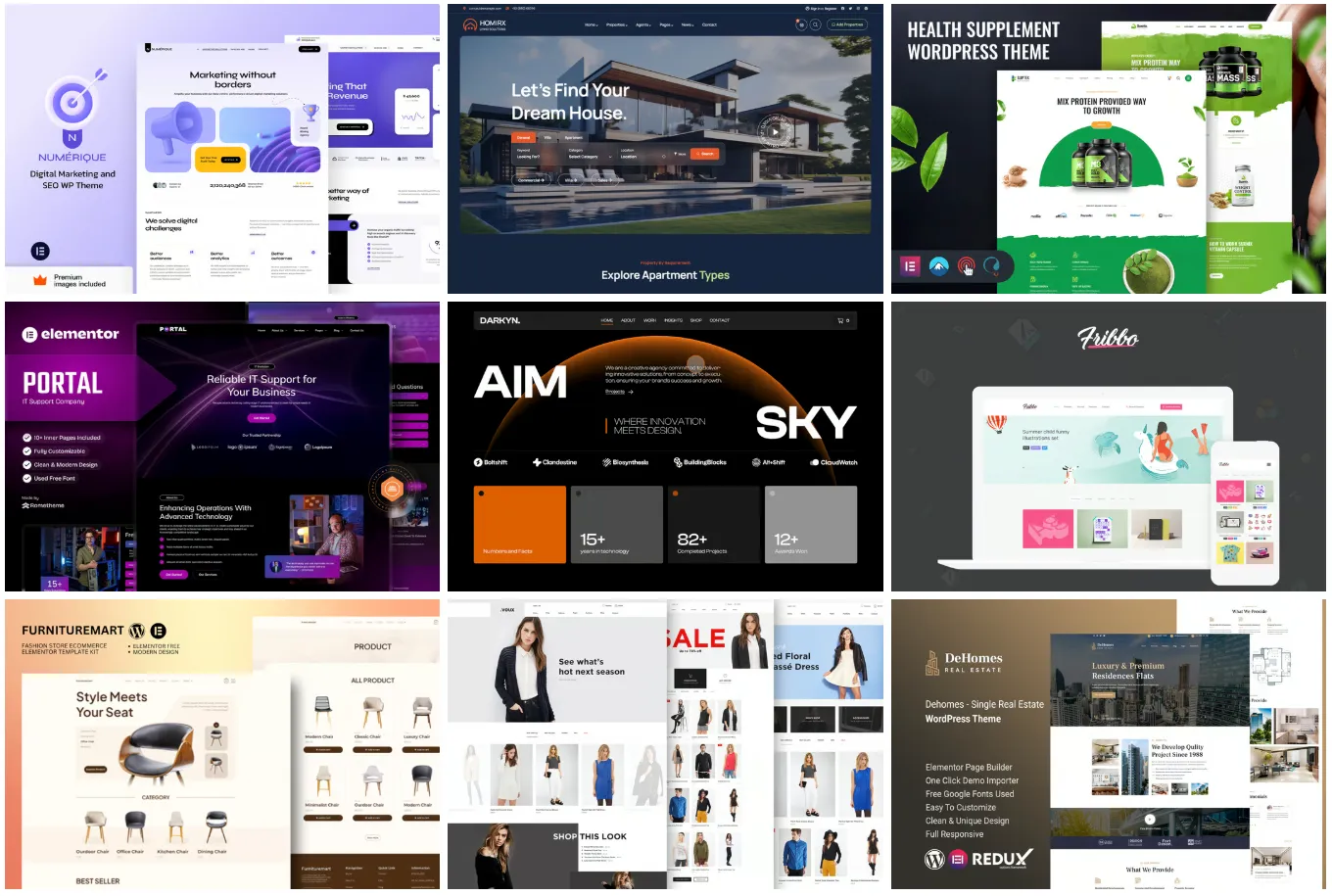
For website owners, Envato Elements can also be useful because it includes WordPress-related resources. These can support bloggers, small businesses, affiliate marketers, agencies, and freelancers who build or improve websites.
If you run multiple websites or work with clients, having access to web design assets can save time. However, it is still important to check each asset carefully for quality, updates, compatibility, and support before using it on a live website.
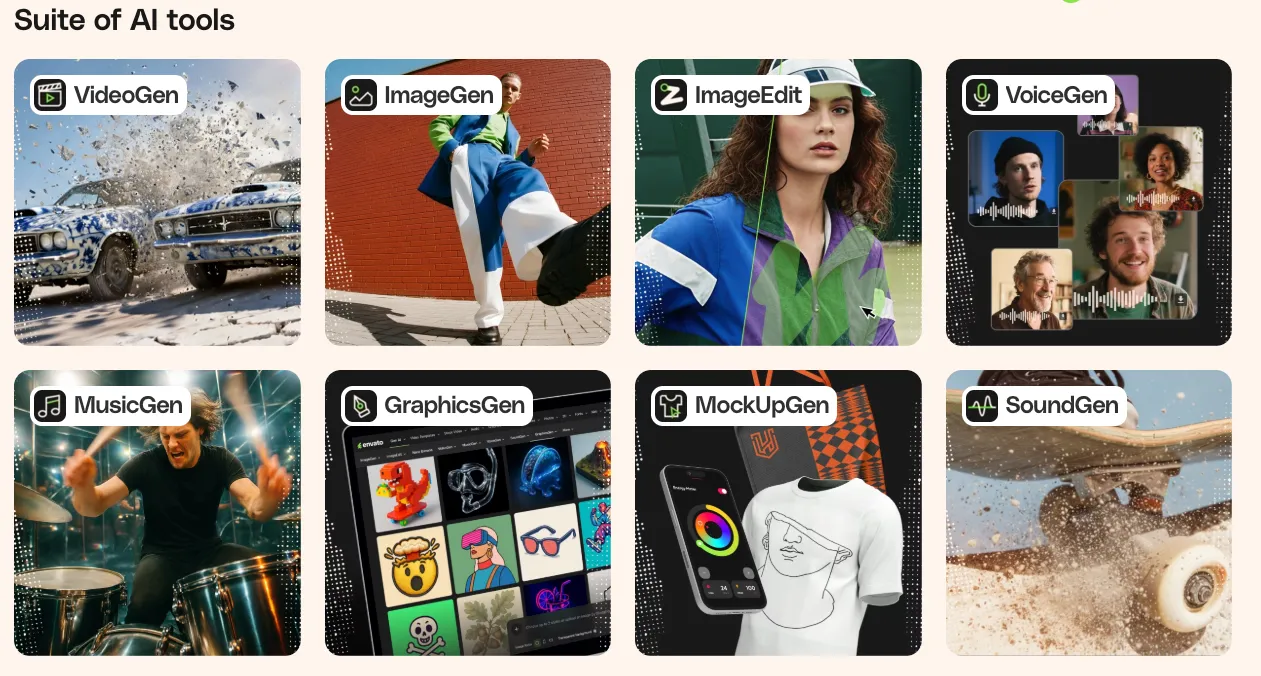
Envato has also moved into AI-powered creative tools. Its current offering mentions AI tools for video, image, audio, voice, music, and graphics generation. This means creators can use both ready-made assets and AI-assisted creation inside the same creative workflow.
This can be helpful when you want to generate ideas, create quick visuals, experiment with content formats, or speed up creative production. Still, AI tools should not replace good judgment. You should always review, edit, and polish the final output before publishing.
Free resources are not bad. In fact, many creators start with free tools, free photos, free icons, free fonts, and free templates. When you are just testing an idea, free resources can be more than enough.
The problem begins when you need consistency, quality, speed, and commercial confidence. Free asset websites often have limitations. Some assets may look overused, some may have unclear license terms, and some may require attribution. You may also spend too much time searching across different platforms.
Envato Elements is not automatically better for every situation, but it solves a different problem. It gives you one place to find many types of creative assets with a subscription model. For people who create often, this can save serious time.
One thing I often notice is that beginners think free resources save money, but they forget the cost of time. Spending two hours looking for the perfect free template is not really free if it delays your content, campaign, or client work.
A good review should not sound like everything is perfect. Envato Elements has strong advantages, but it also has limitations. Whether it is worth it depends on how you actually use it.
For a creator who downloads assets every week, the value can be excellent. For someone who subscribes and barely uses it, the subscription becomes another unused expense. Like any creative tool, the return depends on your workflow.
Let’s look at the honest pros and cons.
For small businesses, Envato Elements can be worth it if you regularly create marketing material. Many small business owners need social media posts, website images, flyers, ads, presentations, video content, product mockups, and branded graphics.
Hiring a designer for every small task can become expensive. At the same time, creating everything from scratch can be slow and frustrating. Envato Elements sits somewhere in the middle. It does not replace a great designer, but it can help small teams create better-looking content faster.
For example, a small coaching business may use presentation templates, Instagram templates, stock photos, icons, and website graphics. A local business may use flyers, menu templates, promo videos, and social media designs. An online seller may use mockups, product graphics, and ad templates.
The key is to use Envato Elements as a support system, not a replacement for brand thinking. You still need clear messaging, a consistent brand style, and good offers. But once those are clear, Envato assets can help you produce content faster.
For designers, the answer depends on how you work. If you create everything from scratch and focus on high-end custom branding, Envato Elements may be more of a support library than a main design solution.
But for many freelance designers, social media designers, web designers, and content designers, it can be very useful. You can use it for mockups, fonts, textures, icons, presentation layouts, website assets, stock images, and creative inspiration.
The biggest benefit for designers is speed. Sometimes a client does not have the budget or timeline for fully custom illustration, photography, or layout work. In those situations, high-quality assets can help deliver better results without wasting time.
A smart designer will not simply download and deliver a template unchanged. The real value comes from customizing assets, combining them with original ideas, and adapting them to the client’s brand.
For content creators, Envato Elements is one of the easiest use cases to understand. Creators constantly need visuals, sound, video clips, thumbnails, backgrounds, transitions, and templates.
If you are making YouTube videos, Instagram reels, Pinterest pins, blog posts, digital products, or online courses, having one place for assets can make the process smoother. You can create faster, test more content, and keep your visuals looking professional.
The emotional benefit is also important. Many creators lose momentum because every small content task becomes a design task. Instead of focusing on the idea, they get stuck choosing fonts, finding music, or designing layouts. Envato Elements can reduce that pressure.
If you publish regularly, the subscription may pay for itself through time saved. The more formats you create, the more useful they become.
Envato Elements pricing can change, so it is always best to check the latest pricing directly before subscribing. Envato’s current pricing page describes subscription options for creators and teams, with creative assets and AI tools included depending on the plan.
At the time of writing, Envato’s own site mentions plans starting from $16.50 per month when billed annually. It also explains that all plans include access to millions of creative assets, while AI generation limits may vary by plan.
Whether that price is worth it depends on usage. If you download one font and forget about the subscription, it is not worth it. But if you use it for client work, YouTube videos, blog graphics, ads, social posts, and presentations, the value becomes much easier to justify.
The best way to use Envato Elements is to treat it like a production system. Do not randomly download assets without a plan. Instead, build a small creative workflow around your content needs.
For example, if you are a blogger, create folders for featured images, Pinterest pins, social graphics, fonts, and blog illustrations. If you are a YouTuber, create folders for intros, music, sound effects, lower thirds, thumbnails, and stock clips.
This makes the subscription more useful because you are not starting from zero every time. You are building your own creative library from a much larger source.
The most common mistake is downloading too much without using anything. The goal is not to collect assets. The goal is to publish better content faster.
Yes, Envato Elements is worth it for creators, designers, marketers, bloggers, YouTubers, freelancers, and small businesses that create content regularly. Its biggest value is not just the number of assets. It is the time saved, the creative flexibility, and the convenience of having many asset types in one place.
It may not be worth it if you only need one or two files, rarely create content, or prefer a fully custom design for every project. In that case, free resources or one-time purchases may be enough.
But if you are constantly creating social posts, videos, blog graphics, websites, presentations, ads, thumbnails, or client designs, Envato Elements can become a very practical creative investment.
If you create content every week, work with clients, run a small business, or want faster access to professional creative assets, Envato Elements is worth exploring. If you only create occasionally, try free resources first and upgrade only when your content needs become consistent.
Envato Elements is not magic, and it will not make weak content successful by itself. You still need good ideas, clear messaging, thoughtful editing, and a basic sense of design. But it can make the creative process much easier.
For creators, it helps reduce the stress of finding assets. For designers, it works as a useful resource library. For small businesses, it can lower the cost and time involved in creating professional-looking marketing material.
So, is Envato Elements worth it? For regular creators and businesses, yes. The real value comes when you use it consistently, customize the assets properly, and turn them into content that feels original, useful, and aligned with your brand.

A digital professional with over 12 years of corporate experience and a postgraduate qualification in Business Analytics and Business Intelligence. He has hands-on expertise in data visualization, SEO, digital marketing, web design, and modern web development with Next.js, along with practical experience as an AI generalist working on generative AI–driven business use cases. His work focuses on understanding digital transformation in the age of artificial intelligence and translating data, technology, and design into clear, user-centric digital experiences.
Explore 10 AI fashion model prompts to create stunning Pinterest-style images, with copy-ready prompts, customization tips, and creative use ideas.